If your changes to a workflow don't appear right away, this can be caused by one of these:
- You have not Published the edits to your workflow. See this article for details on Publishing.
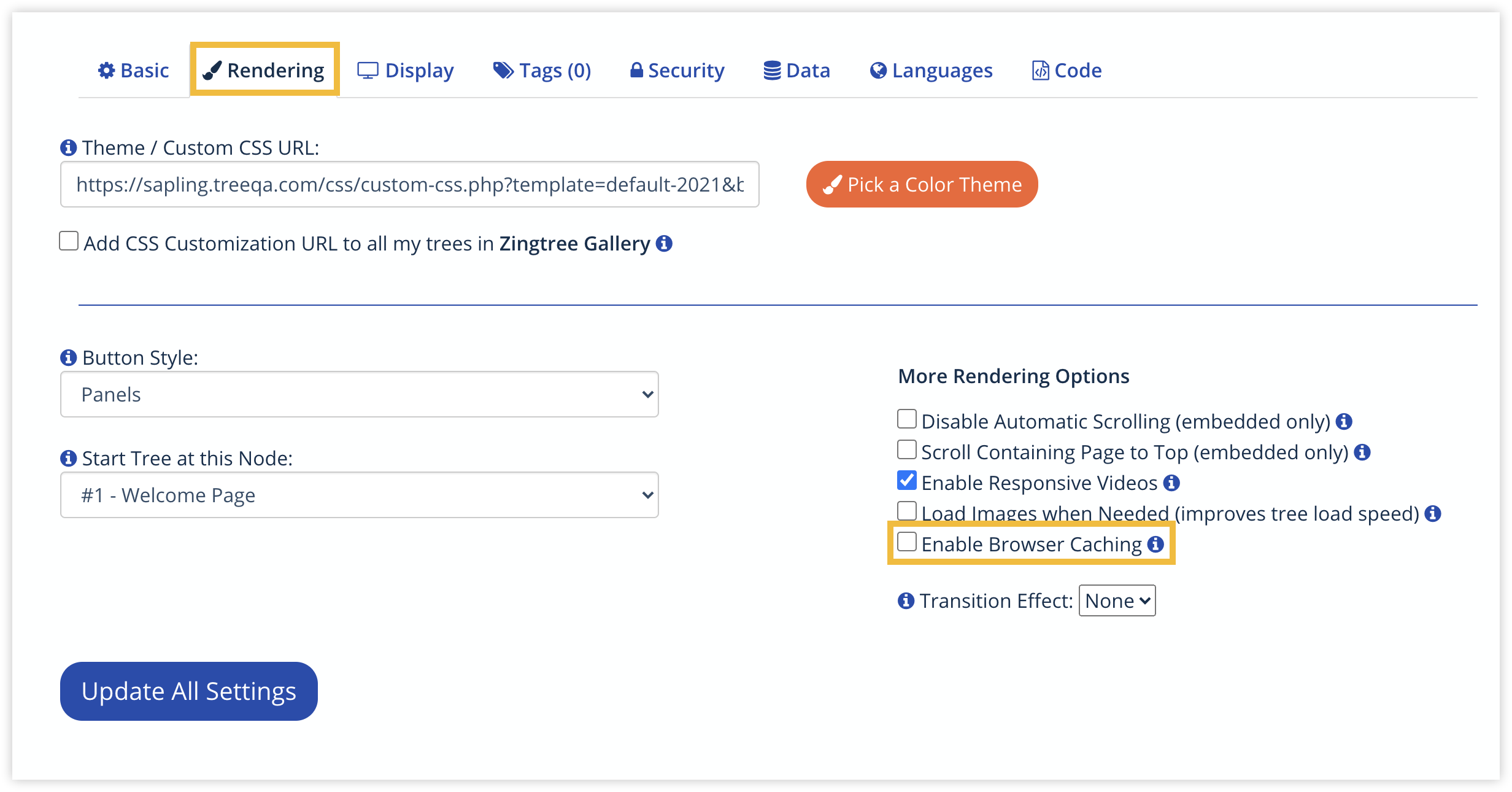
- You have Browser Caching enabled in the Workflow's Settings.
- You calling Library content. Library content is automatically cached for 30 minutes.
To disable browser caching:
- Go to the Settings tool, and select the Rendering tab.
- Make sure Enable Browser Caching is unchecked. This option is unchecked by default.