When publishing your Zingtrees, you can show people using your workflow the path they took to get to the current node. This takes two forms:
- History: Shows an expandable Q&A transcript of the path through your workflow. It looks like this:
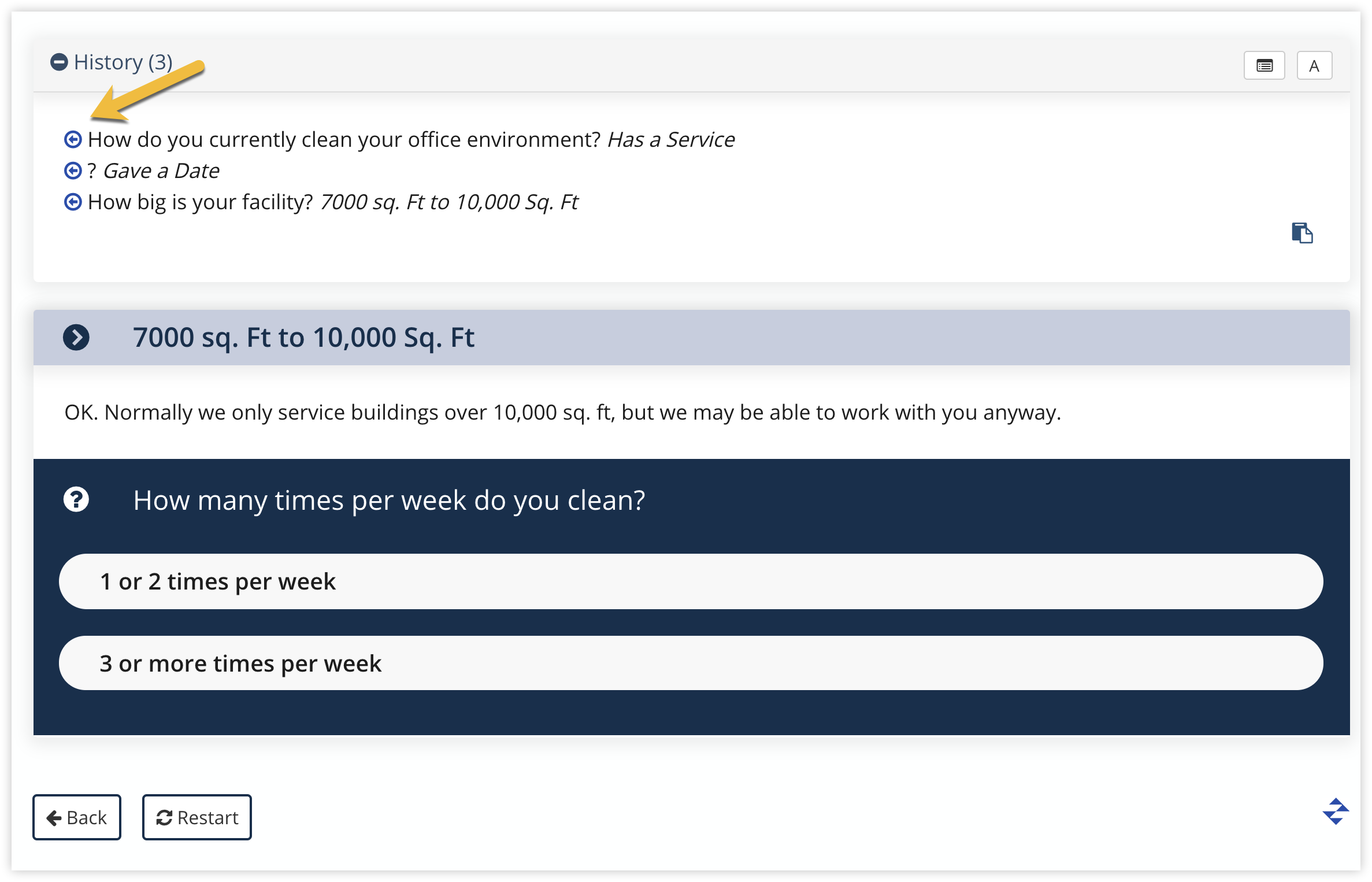 You can view any data collected at each step as well by clicking the Data Entry view button: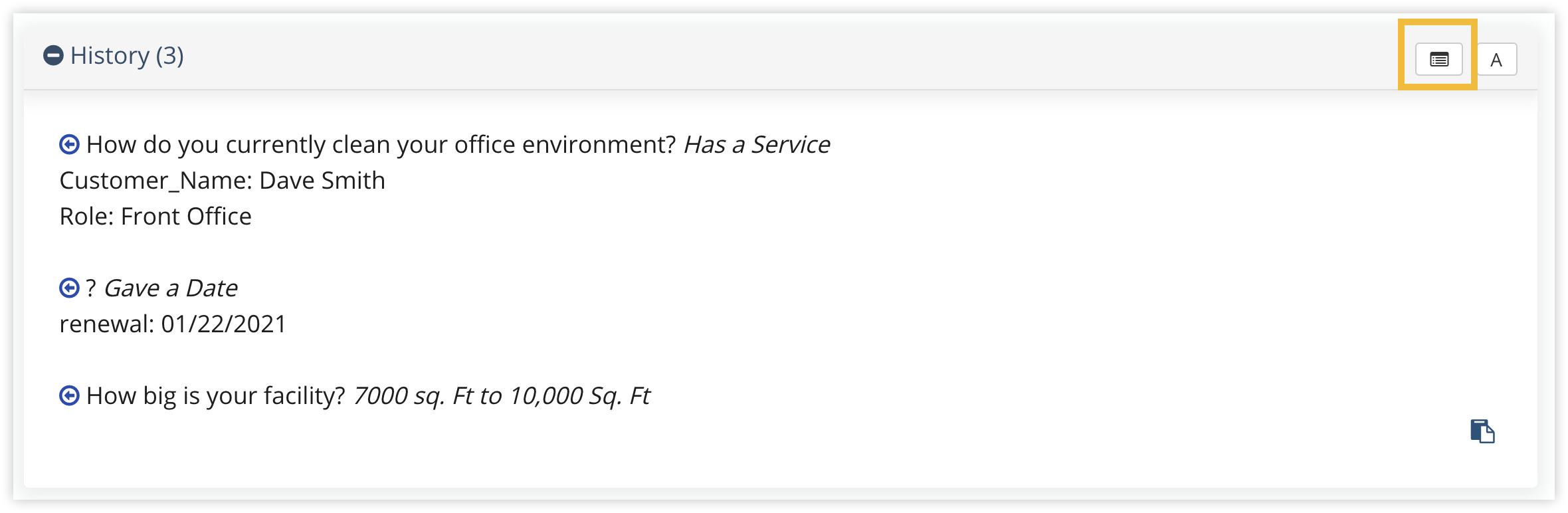
- Breadcrumbs: Shows a trail of all the nodes visited to get to the current place in the workflow. You'll see something like this at the top of every node:

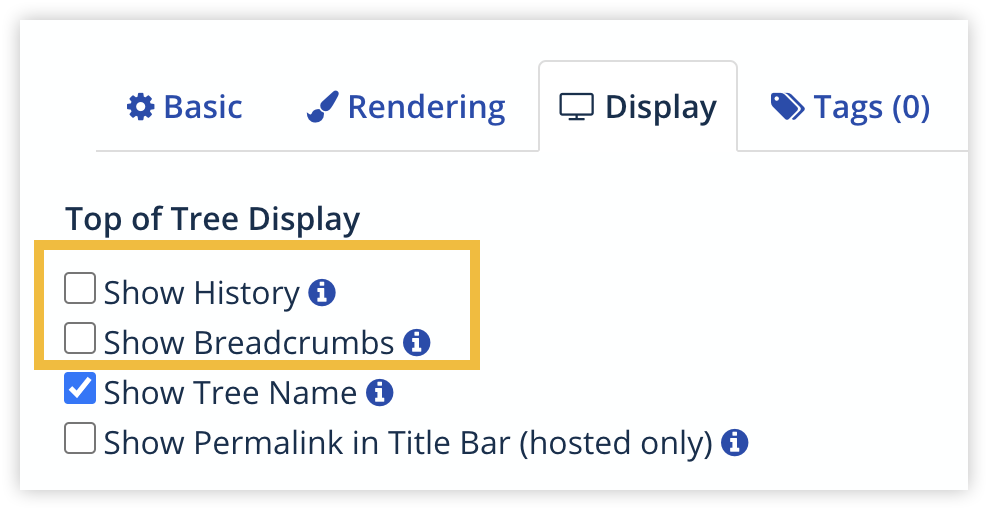
You can add History or Breadcrumbs via the Settings tool. Just go to the Display tab, and tick Show History or Show Breadcrumbs.
Advanced Stuff: Modifying URLs Directly
You can also modify the URL for your published workflows to add history or breadcrumbs.
For hosted workflows:
Add &show_history=1 or &show_breadcrumbs=1 to the URL for the workflow.
For embedded workflows:
Add &embed_history=1 or &embed_breadcrumbs=1 to the iFrame URL.